The Models
01The consensus: modern local setups are roughly equivalent to frontier models from 8–12 months ago. You trade absolute reasoning power for zero cost, privacy, and no API quotas. The experience is closer to "a junior dev that needs guiding" than Claude Opus's "senior architect."
| Model | Type | Notes |
|---|---|---|
| Qwen 3.6 35B-A3B | MoE | The "sweet spot" — fast with MTP, best speed/quality on consumer hardware. |
| Qwen 3.6 27B | Dense | Better accuracy than 35B-A3B for some; slower but preferred for complex coding. |
| Qwen 3.5 122B-A10B | MoE | Used for harder tasks; significantly slower at 10B active params. |
| Gemma 4 31B | Dense | Good for chat and translation; QAT versions available. |
| Gemma 4 26B-A4B | MoE | ~3x faster than dense 31B at similar quality. |
| DeepSeek V4 Flash | MoE | Popular via API for cheap coding; local requires serious hardware. |
| Nemotron 3 Super 122B | MoE | Mentioned for other tasks, less favored for pure coding. |
"Comparing agentic Qwen3.6 35b to Claude Opus is like a junior with knowledge across the board, that you really need to guide, versus a senior that thinks with you on architecture."
Typical Hardware
02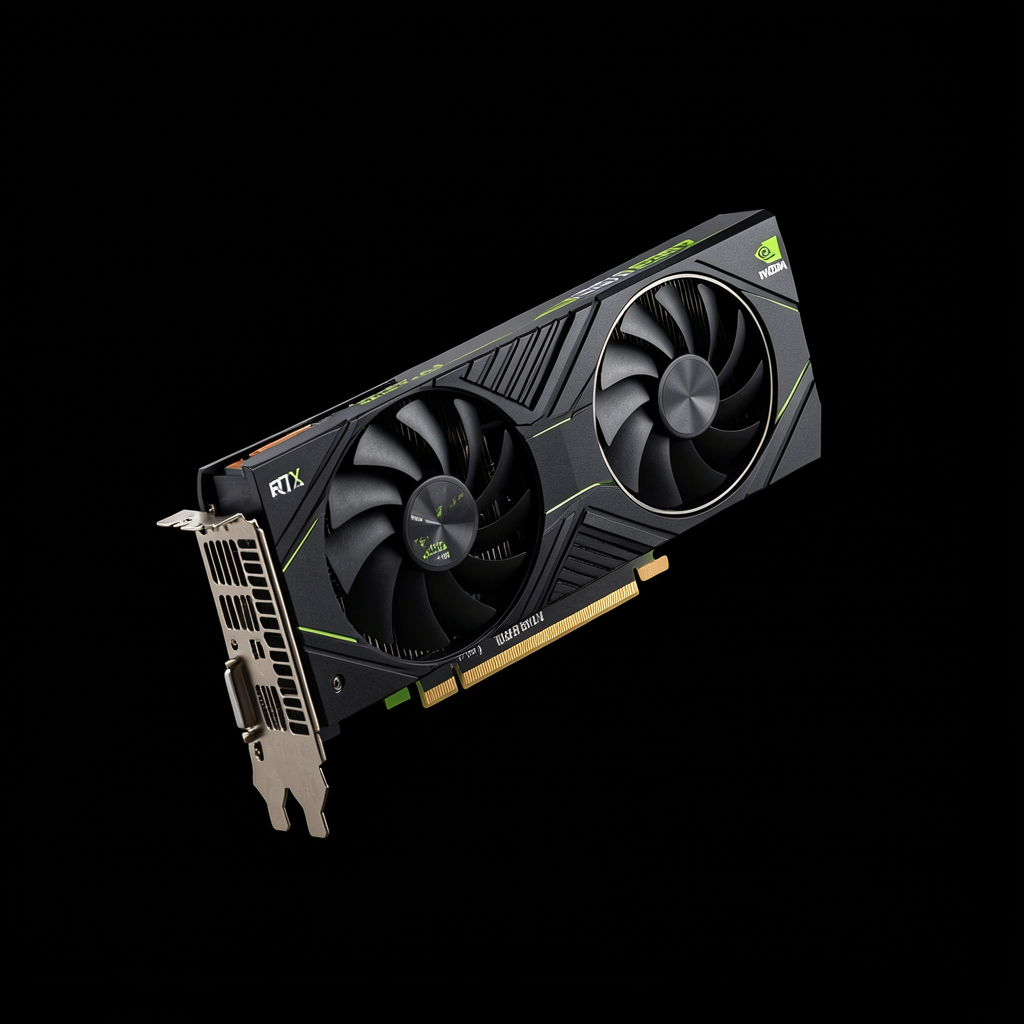
Dual RTX 3090
24GB each + Pi harness. ~150 tok/s on Qwen 35B-A3B (UD-Q4_K_XL). Fits 300K context in VRAM.
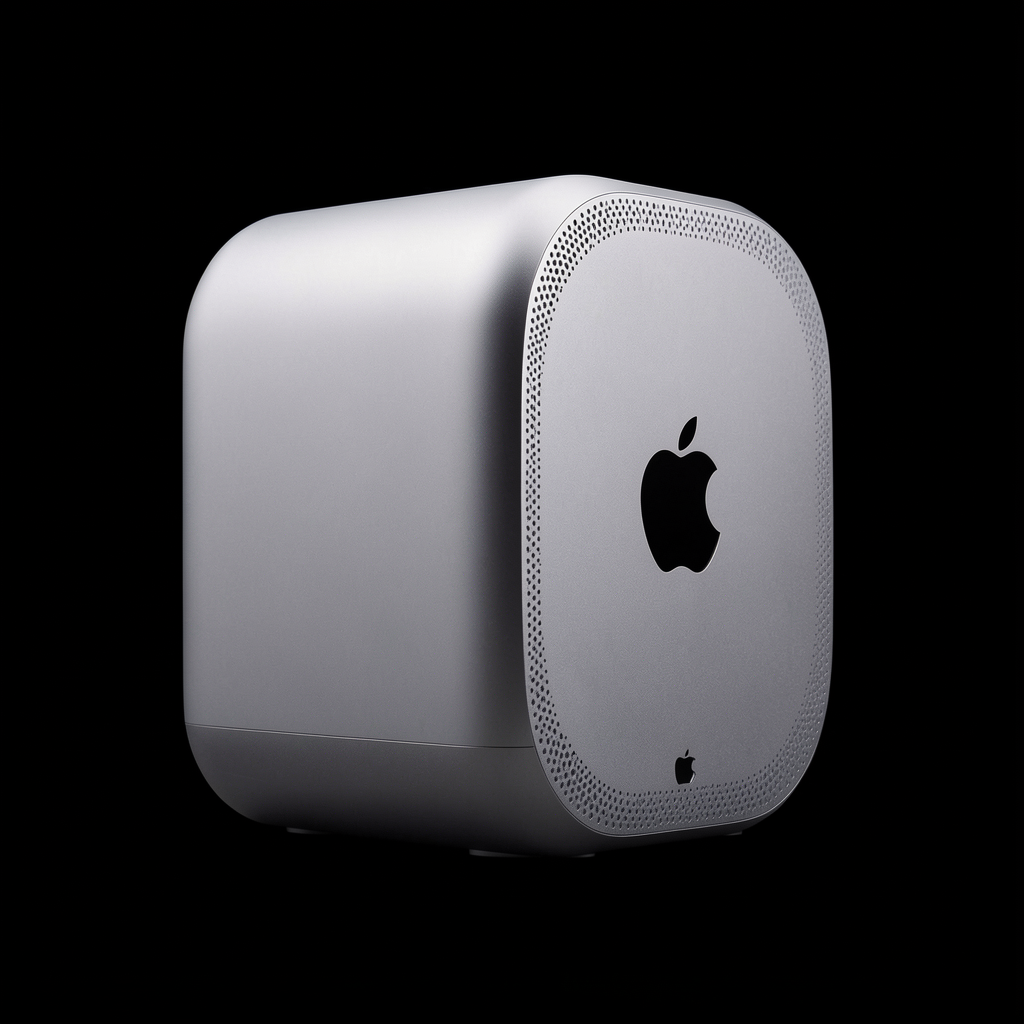
Mac Studio 128GB RAM
Runs Qwen 35B-A3B at high quant; ~40–60 tok/s. Popular with Apple developers.
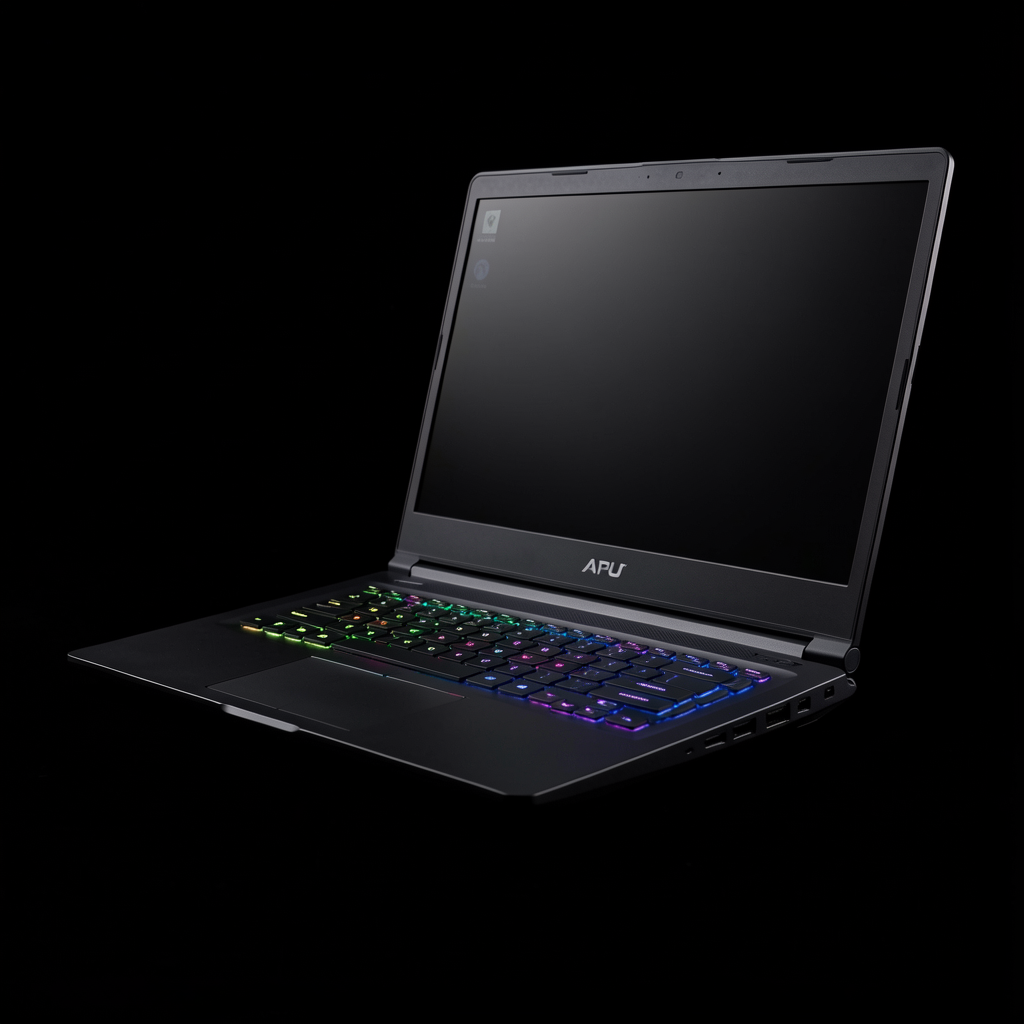
Strix Halo 128GB
~800 tok/s prefill, ~50 tok/s generation (Qwen 35B-A3B). APU-based mobile workstation.
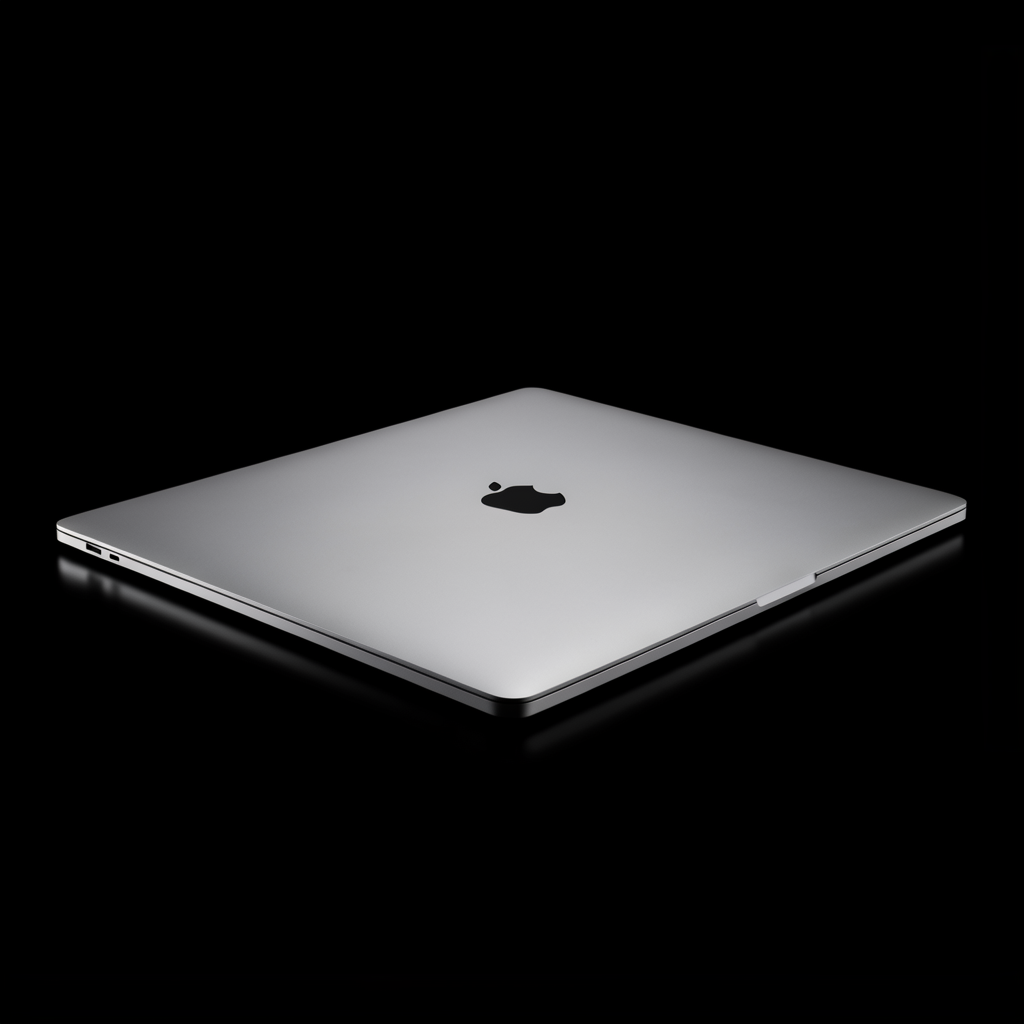
MacBook M4/M5 Pro 48–96GB
Qwen 35B-A3B at 4–6 bit quants; usable but requires smaller context windows.
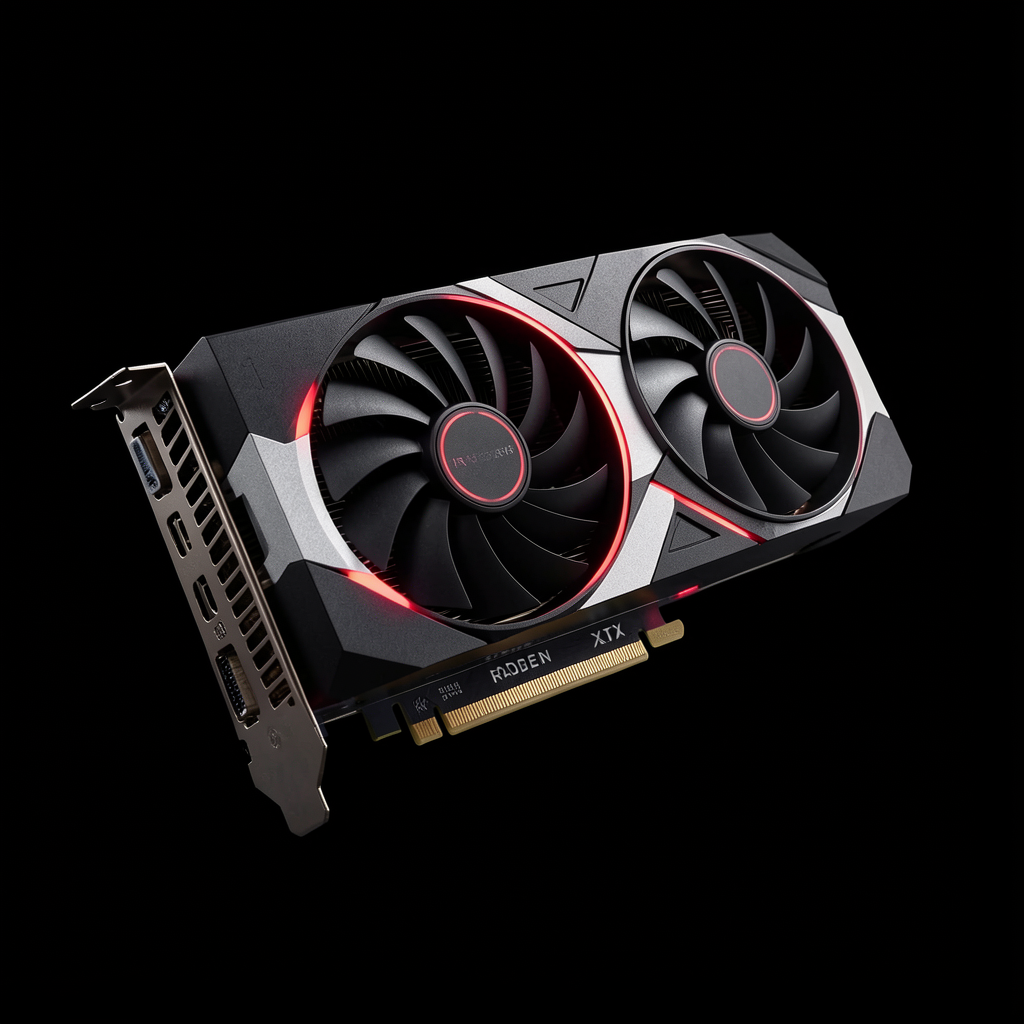
AMD 7900 XTX 24GB
~65 tok/s gen, ~600 tok/s prefill (Qwen 27B Q4). Strong AMD/ROCm alternative.
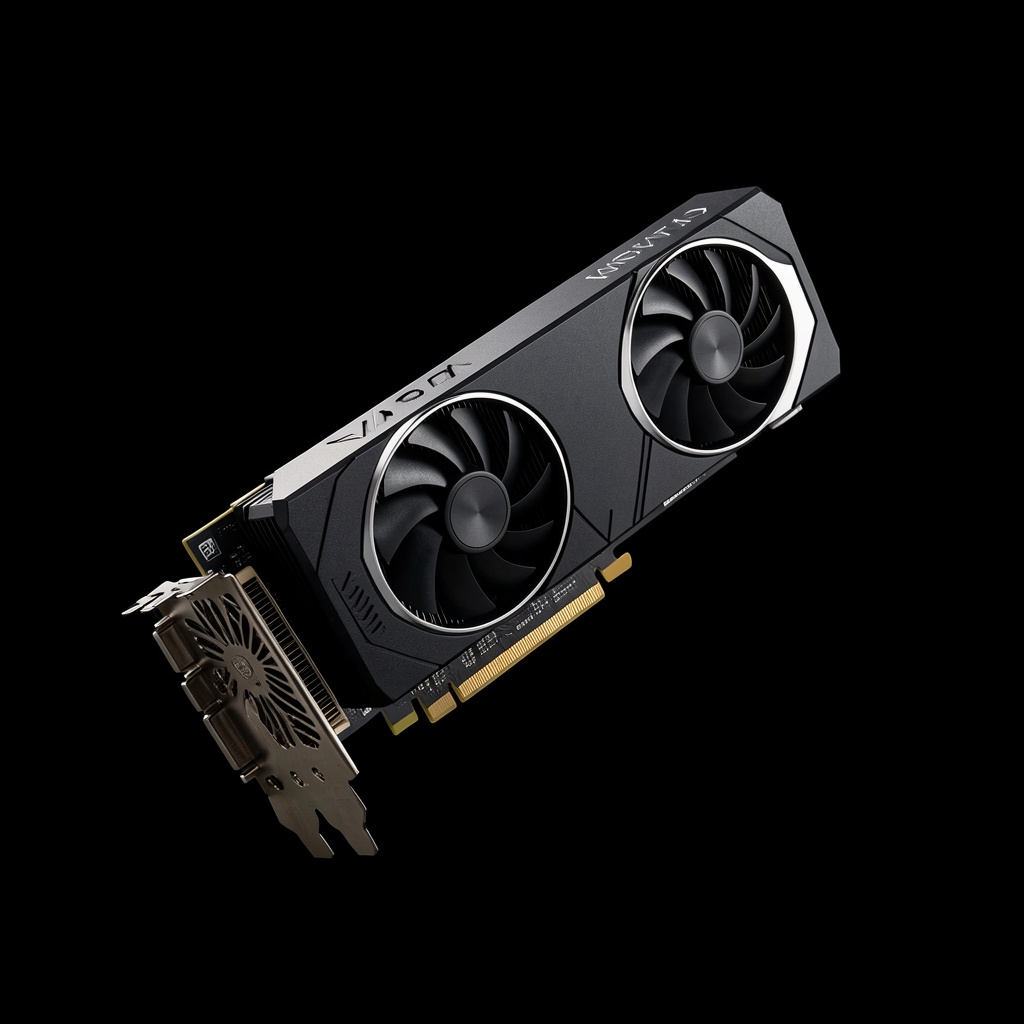
RTX 5090 / 4090 24GB
Single-card builds running Qwen 27B Q6 with MTP enabled. Best single-GPU option.
"One thing I did change was the context length to 256k rather than 64k."
Recommended Harnesses
03Pi.dev
Most RecommendedHighly extensible, API-driven. Has /tree for context management. Used containerized and sandboxed by some.
OpenCode
Used heavily, though some find local model integration clunky. Good for teams already in the OpenCode ecosystem.
Claude Code
Can be pointed at local endpoints via OpenAI-compatible API. Familiar UX for Claude power users.
aider
Mentioned but less favored than Pi for local workflows. Clean git-integrated approach.
llama-swap
For running multiple models on one endpoint. Useful when switching between coding and chat models.
Crush / Headroom
Alternative CLI harnesses with smaller system prompts. Minimal overhead, fast startup.
Critical Config Tips
04Fix Prompt Caching with preserve_thinking
Qwen models (especially older ones) drop reasoning traces between turns, forcing full KV-cache reprocessing. Enabling preserve_thinking re-uses the cache between turns.
# In models.ini or command line
--chat-template-kwargs '{"preserve_thinking": true}'
"Qwen 3.6 now supports preserving thinking... it re-uses the cache better."
AMD GPUs: Use Vulkan, Not ROCm
Multiple users confirmed llama.cpp Vulkan builds outperform ROCm for Qwen/Gemma on AMD hardware (7900XTX, Strix Halo).
"I use Vulkan mostly instead of ROCm. Vulkan is actually a bit faster, paradoxically."
Quantization Sweet Spots
Best balance for 24–48GB VRAM. Default choice.
Good middle ground. Q8 if you have VRAM headroom.
Near-bf16 quality at much lower memory cost (e.g., Gemma-4-26B-A4B-it-qat-GGUF).
Keep K/V at Q8_0 or higher. Aggressive K quantization breaks JSON tool calling.
llama.cpp Flag Recipe
AMD 7900XTX with Qwen 27B — from porkloin:
-ngl 99 -c 80000 -np 1 --no-context-shift --cache-reuse 256 \
  -b 2048 -ub 1024 --cache-type-k q8_0 --cache-type-v q8_0 \
  -fa on --spec-type draft-mtp --spec-draft-n-max 3 \
  --spec-draft-n-min 0 --chat-template-kwargs '{"enable_thinking": true}' \
  --jinja --temp 0.6 --top-p 0.95 --top-k 20 --min-p 0.0
~65 tok/s generation, ~600 tok/s prefill
Sampling Fix for Long Context
From Der_Einzige — prevents degenerate loops:
# Use "top-n sigma" sampler in llama.cpp
# Set to 1, temperature can be high/infinite
# Prevents degenerate loops in long contexts
Common Issues & Fixes
05| Issue | Workaround |
|---|---|
| Editing files drops context / reasoning | Enable preserve_thinking so KV cache is re-used. |
| Context length too short | Bump to 256K tokens if VRAM allows. Dual 3090s fit 300K context at Q4. |
| JSON tool calling fails randomly | Keep K/V cache at Q8_0 or higher. Aggressive K quantization breaks structured output. |
| Degenerate loops in long contexts | Enable "top-n sigma" sampler in llama.cpp. Set to 1, temperature can be high. |
| AMD GPU performance lower than expected | Build llama.cpp with Vulkan backend instead of ROCm. Often faster on AMD GPUs. |
| Slow first-token latency | Enable speculative decoding (draft MTP). Model-dependent — test with 2–3 draft tokens. |
| Model "forgets" system prompt mid-session | Some harnesses strip system context. Check harness docs; prefer Pi.dev or Claude Code. |
llama.cpp Quick Reference
06-ngl 99
Offload all layers to GPU
-c 80000
Context size in tokens
--cache-type-k q8_0
K cache quantization
--spec-type draft-mtp
Speculative decoding
-fa on
FlashAttention on
--temp 0.6
Sampling temperature
Suggested Starting Point
# Download model (example: Qwen 3.6 27B Q4_K_M)
llama-cli -m qwen3.6-27b-q4_k_m.gguf \
  -ngl 99 \
  -c 32768 \
  --cache-type-k q8_0 --cache-type-v q8_0 \
  -fa on \
  --temp 0.6 --top-p 0.95 --top-k 20 \
  --chat-template-kwargs '{"preserve_thinking": true}'